Run tasks side by side
Start a task with Claude, another with Codex, and keep going. Every thread stays in the sidebar with its project and branch.
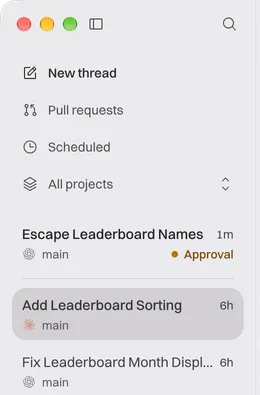
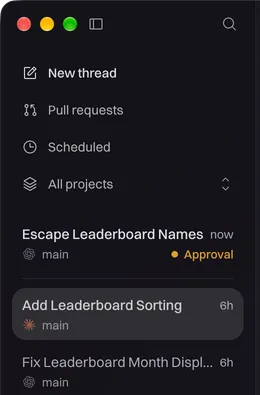

One window for all your coding agents. Run Claude Code, Codex, and more side by side, and Ryspar brings you the one that needs a decision.
Free. No Ryspar account. Your agents run on your own plans. Also on iPhone, in beta.
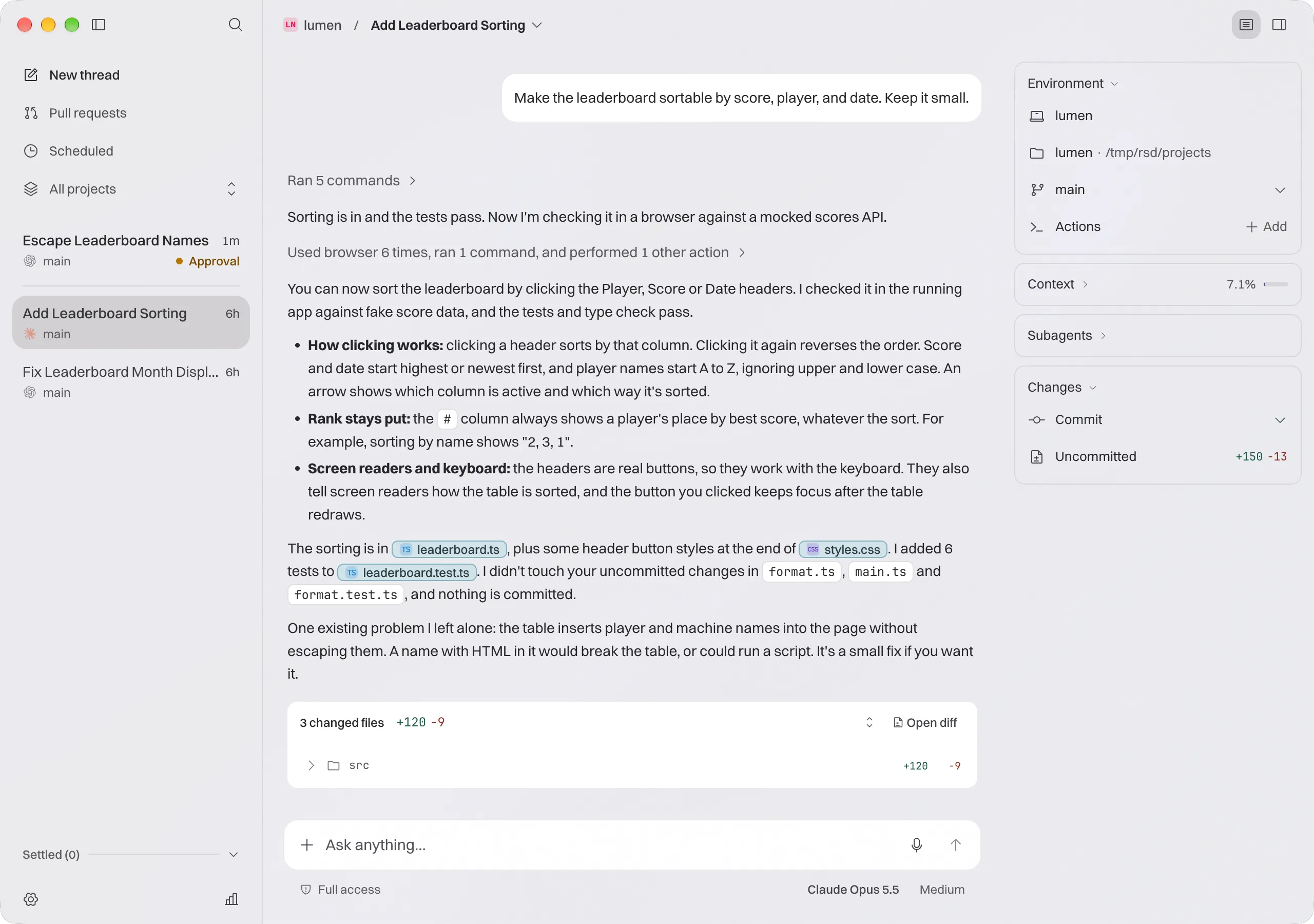
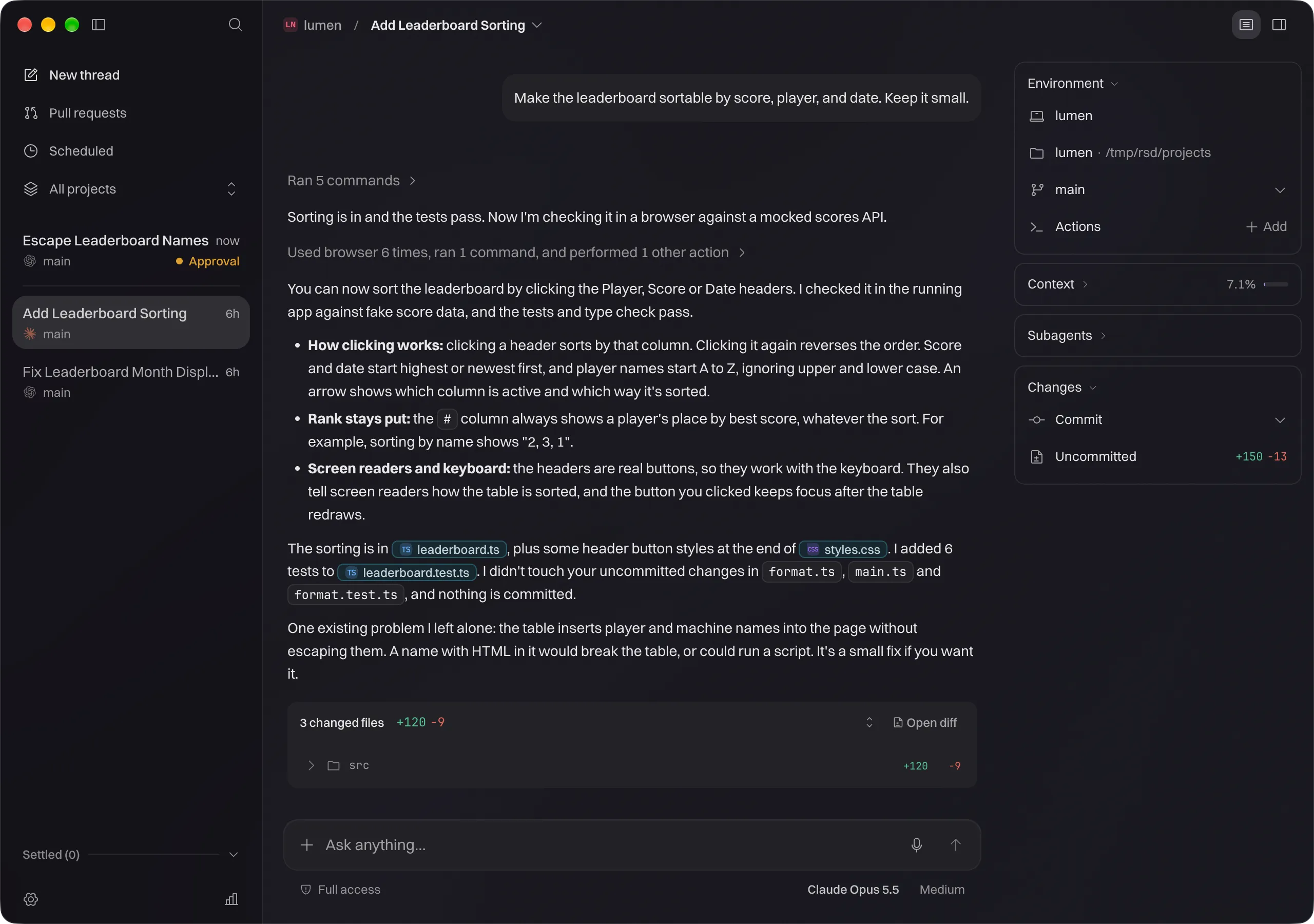
Start tasks with any agent, keep working while they run, and step in only when one needs you.
Start a task with Claude, another with Codex, and keep going. Every thread stays in the sidebar with its project and branch.
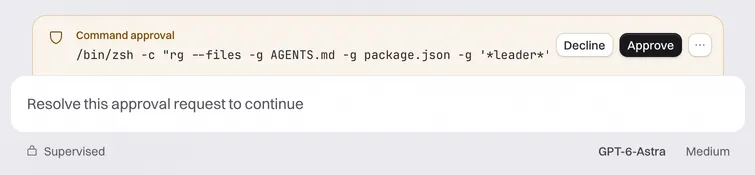
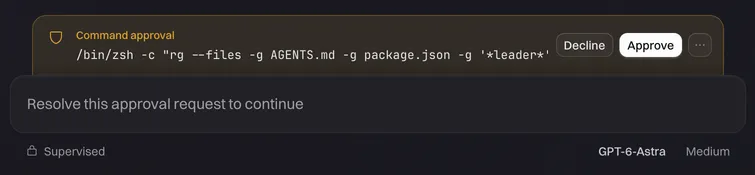
When an agent wants to run a command or change a file, its thread rises to the top and waits for you. You choose how much each agent may do on its own.
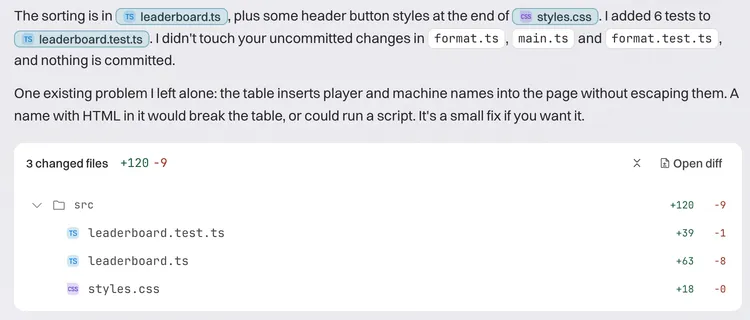
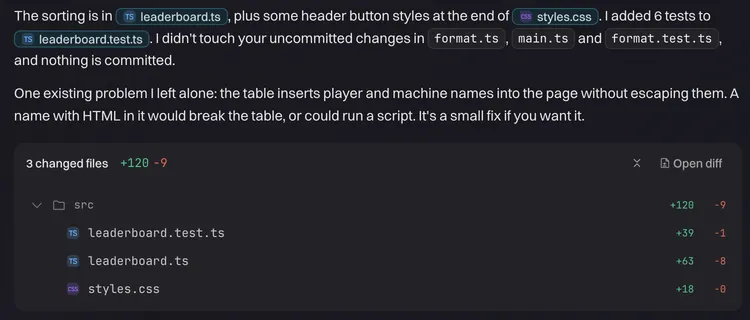
Agents report back in plain words, with the files they touched. Open the diff, ask for a follow-up, or ship it.
Ryspar doesn't resell tokens or ship a model of its own. Sign in to each agent the way you already do.
Ryspar is free to download and use, with no Ryspar account to create.
Each agent bills you the way it does today, on your own plan or API key.
Projects, threads, and code stay on the machine where your agents run.